Overview
Every command documented on this site can also be triggered from the VS Code SFDX Hardis extension, a graphical companion built on top of the CLI.
If you prefer clicks to flags, install the extension and skip the terminal: see Installation.
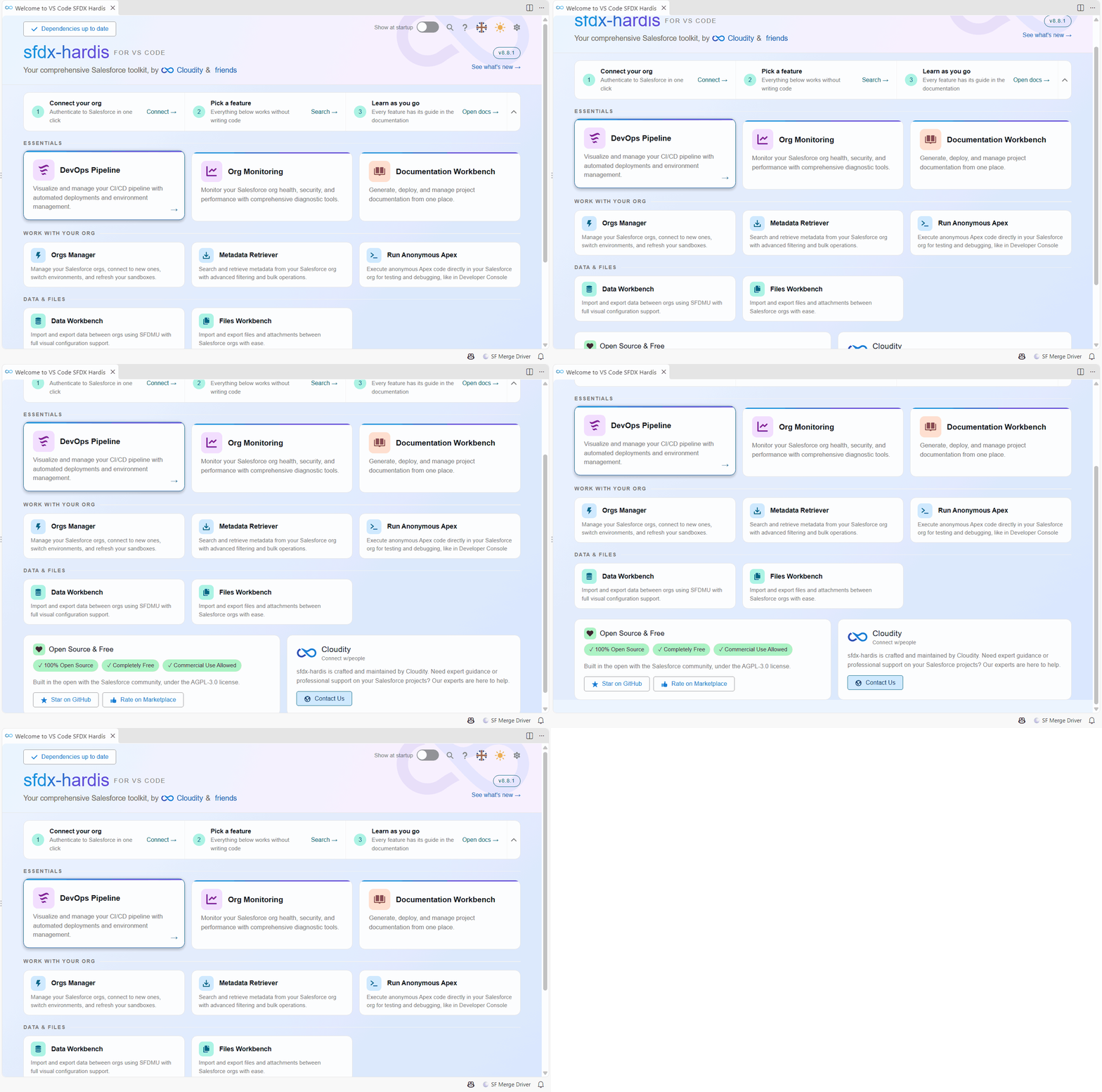
User guides
Each workbench of the extension has its own guide: what it is for, how to open it, a step by step walk through its screens with numbered markers, and what you can customize. The ? button in the header of each workbench below opens its guide. In the command execution panel, the Command documentation button opens the page of the command that runs.
| Workbench | What you do with it |
|---|---|
| Welcome panel | Check your tools, open any workbench, run the commands of your team |
| DevOps Pipeline view | See branches, orgs and deployments, start and publish a User Story, add deployment actions |
| Org Monitoring Workbench | Run a monitoring check, edit the monitoring configuration, see what the backup keeps |
| Command execution panel | Answer the questions of a command, follow its progress, open its reports |
| Orgs Manager | Connect orgs, pick the default one, reconnect, run org operations, clean up |
| Metadata Retriever | Find what changed in your org and retrieve it into your project |
| Metadata Dependencies | Find what uses a component, or what it uses, before you change it |
| Data Workbench | Build SFDMU data workspaces and move records between orgs |
| Files Workbench | Move files and attachments between orgs |
| Customize the extension | Settings, per-org colors, language, your own menus, extra plugins, Apex tools |
Workbenches that wrap existing features
These workbenches are visual front-ends for features already documented elsewhere on this site. Follow the link for the underlying concepts, options and YAML keys.
| Workbench / Panel | What it drives | Underlying docs |
|---|---|---|
| User Story workflow | New User Story -> retrieve -> save and publish, without a terminal | Create / Work / Publish |
| Documentation Workbench | Generate and publish AI-enriched project docs | Generate Documentation |
| Monitoring Config Workbench | Edit triggers, frequency, channels per check | Monitoring config |
| Pipeline Settings | Configure deployment actions, auth, branches | .sfdx-hardis.yml |
| Installed Packages Manager | Install/update packages and pin them in CI/CD | Install packages |
| Backpromote | Bring what was merged in a parent branch into your development org | Backpromote |
| Flow Visual Git Diff | Side-by-side diagram of two Flow versions | Flow Visual Git Diff |
| AI Assistant | Explain deployment errors, suggest fixes | AI setup / Prompts |
Source
The extension is Open-Source (AGPL-3.0): github.com/hardisgroupcom/vscode-sfdx-hardis.
Learn by doing
The free Salesforce DevOps with sfdx-hardis course does this, click by click, on an org of your own: