Go in your online repository in your web browser (example: https://bitbucket.org/mycompany/dreamhouse-lwc)
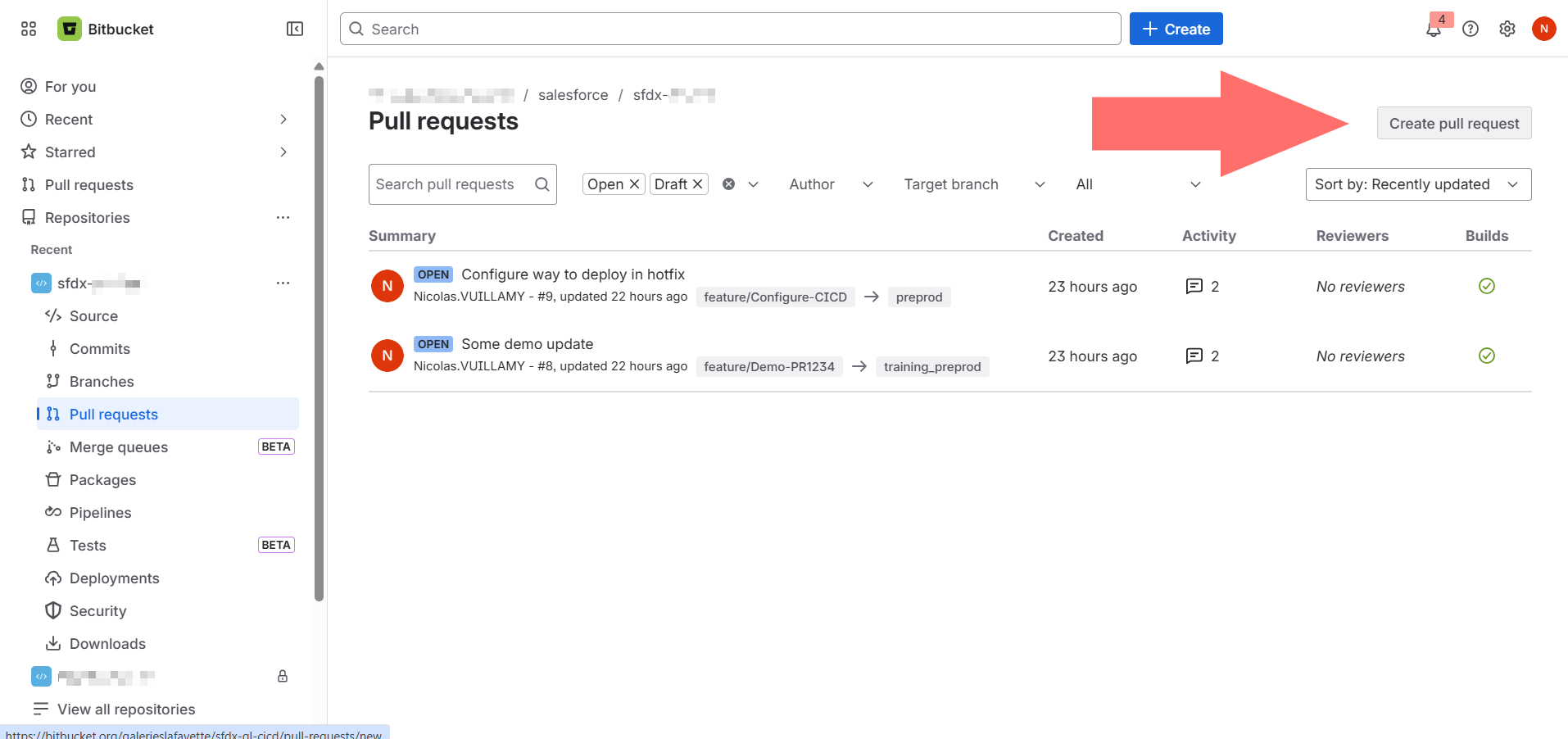
Click the Pull requests icon in the left sidebar to open the pull requests section
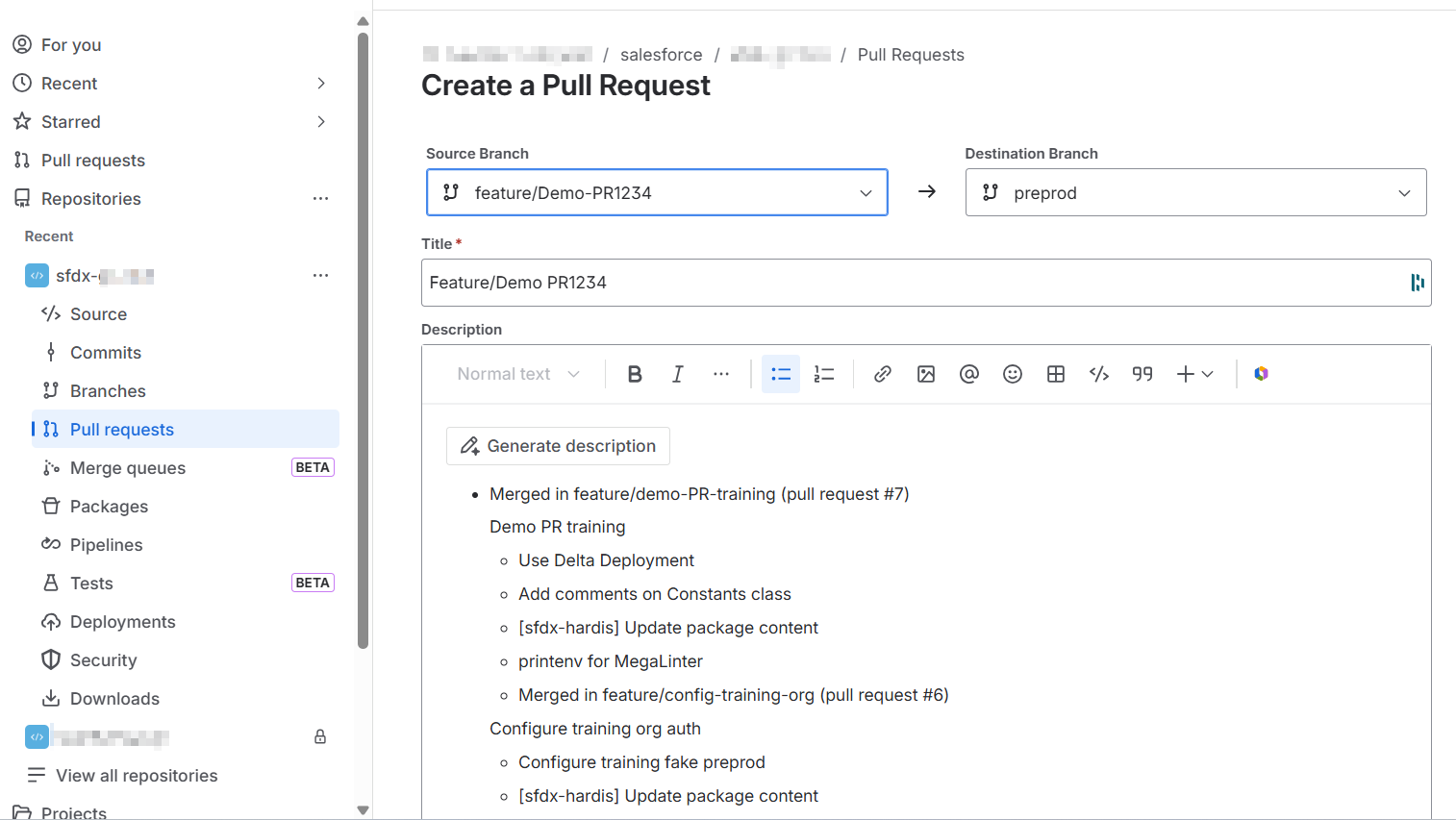
Click Create pull request. The creation form opens on a single page: select the Source branch (the branch with your changes) and the Destination branch (the target environment). Add a meaningful title and description, then click Create pull request
Controlling jobs are automatically launched, you can now ask your release manager to validate the merge request
If you are a developer, (or even a business consultant depending on the project organization), you may have the responsibility to make sure than controlling jobs are valid (check-deploy job and code-quality job in success) and eventually fix the errors (See Handle merge requests errors)
If you need to add additional updates to an existing merge requests, you just this to follow again this guide from the beginning, except the part "Create a merge request". Any new commit pushed on a branch where there is already a merge request will trigger again the control jobs.